
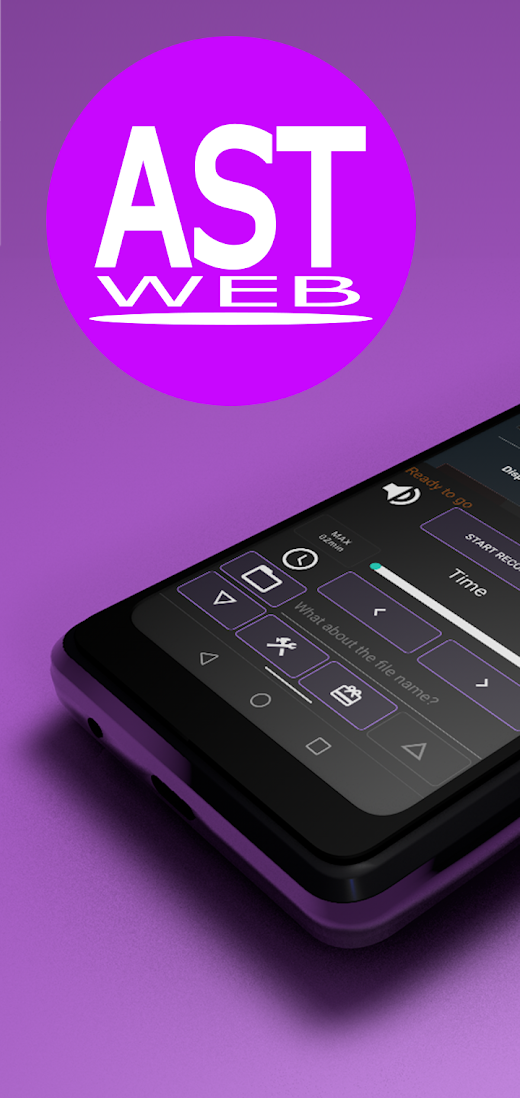
AST_WebRecorder
·"timer" You can normally record for 2 minutes.
You can set the recording time using the seek bar and fine adjustment button.
Recording is possible for 180 minutes by watching CM.
You can change the maximum recording time by pressing the "MAX~" button. ·"File" If left blank, the date and time of recording will be the file name.
The name will be the file name if you enter it there.
Press the button to return to "blank".
・"Bottom 4 buttons" (description from the left) ・"Left edge: Menu down button" Hide the menu other than the bottom button. Use when operating a web browser.
・"Middle left: Setting screen transition button" moves to the setting screen. ・"Middle right: CM viewing button" It becomes a button to watch the commercial. You can use various functions by watching. · "Right end: Menu up button" Display the hidden menu.・"Setting screen" ・"TOP screen" You can set the initial display of the web browser when the application is started.
You can set the currently displayed screen by selecting "CUSTOM" and pressing the "SET ADDRESS" button. ・"Microphone function" (Earphone connection required) Set the audio recording method. If you "check", it will be "built-in speaker + built-in microphone" (karaoke mode). ・"Data reduction screen display" Set the image recording method. If you "check", the "data reduction screen" will be displayed during recording. If you want to record all images, remove the "check". ・ "Commercial viewing reward" The storage time is extended by 24 hours when you watch the commercial. You will be able to select 2 minutes, 5 minutes, 10 minutes, 30 minutes, 60 minutes, 120 minutes, and 180 minutes."How to use"・Display the video you want to record on the web browser.・ Play the video once and adjust the volume. After completing the adjustment, pause the video and return to the beginning. For full screen, also select the image quality.・Set the recording time in the app. In normal screen mode, add about 1 second from the video playback time. In full screen mode, set it to about +10 seconds. *If you do not set the time, it will normally be 2 minutes (CM viewing: 180 minutes). Recording can be stopped manually or at the maximum recording time.・Set the file name. *If not set, the date and time will be the file name.・ * If you are in "full screen mode", please change to full screen here.・Press the "Start recording" button.・The consent screen will be displayed, so press the "Start now" button.・Press the play button on the video to play it.・Stop recording and save the information by pressing the "Elapsed time" or "End recording" button.
About AST_WebRecorder
- Package name (App ID)
- com.original.sf.ast_webrecorder
- Available on
- Google Play
- Price
- Free
- Developer
- Astrea Digital Service
Looking for the AST_WebRecorder APK?
The safest way to get AST_WebRecorder (com.original.sf.ast_webrecorder) on your Android device is to install it directly from Google Play — you'll always get the latest official version, automatic updates, and no risk of modified or infected APK files from third-party sites.

Music Features
Enjoy high-quality music streaming and playback features.
Social Features
Connect and share with friends and the community.
Gaming Features
Enjoy immersive gaming experience with various game modes.
See AST_WebRecorder in Action


Frequently Asked Questions
Is AST_WebRecorder free?
Yes, AST_WebRecorder is free to download and install on Android through Google Play.
How do I install AST_WebRecorder on Android?
Open Google Play on your Android phone or tablet, search for AST_WebRecorder by Astrea Digital Service or tap the Google Play button on this page, then tap Install. The app downloads and installs automatically.
What is com.original.sf.ast_webrecorder?
com.original.sf.ast_webrecorder is the App ID (package name) of AST_WebRecorder on Google Play. Every Android app has a unique package name, and it is the safest way to verify you are installing the official app.
Is AST_WebRecorder safe to download?
Installing AST_WebRecorder from Google Play is the safest option: you get the official version published by Astrea Digital Service, verified by Google Play Protect, with automatic updates. Avoid APK files from unofficial third-party sites.

Get AST_WebRecorder Today
AST_WebRecorder for Android — free download on Google Play.
Compatible with Android phones and tablets — available on Google Play.
Ask AI about this app
Get instant answers about features, tips and more from popular AI assistants.